Building a Budget-Friendly Lab VPS Platform
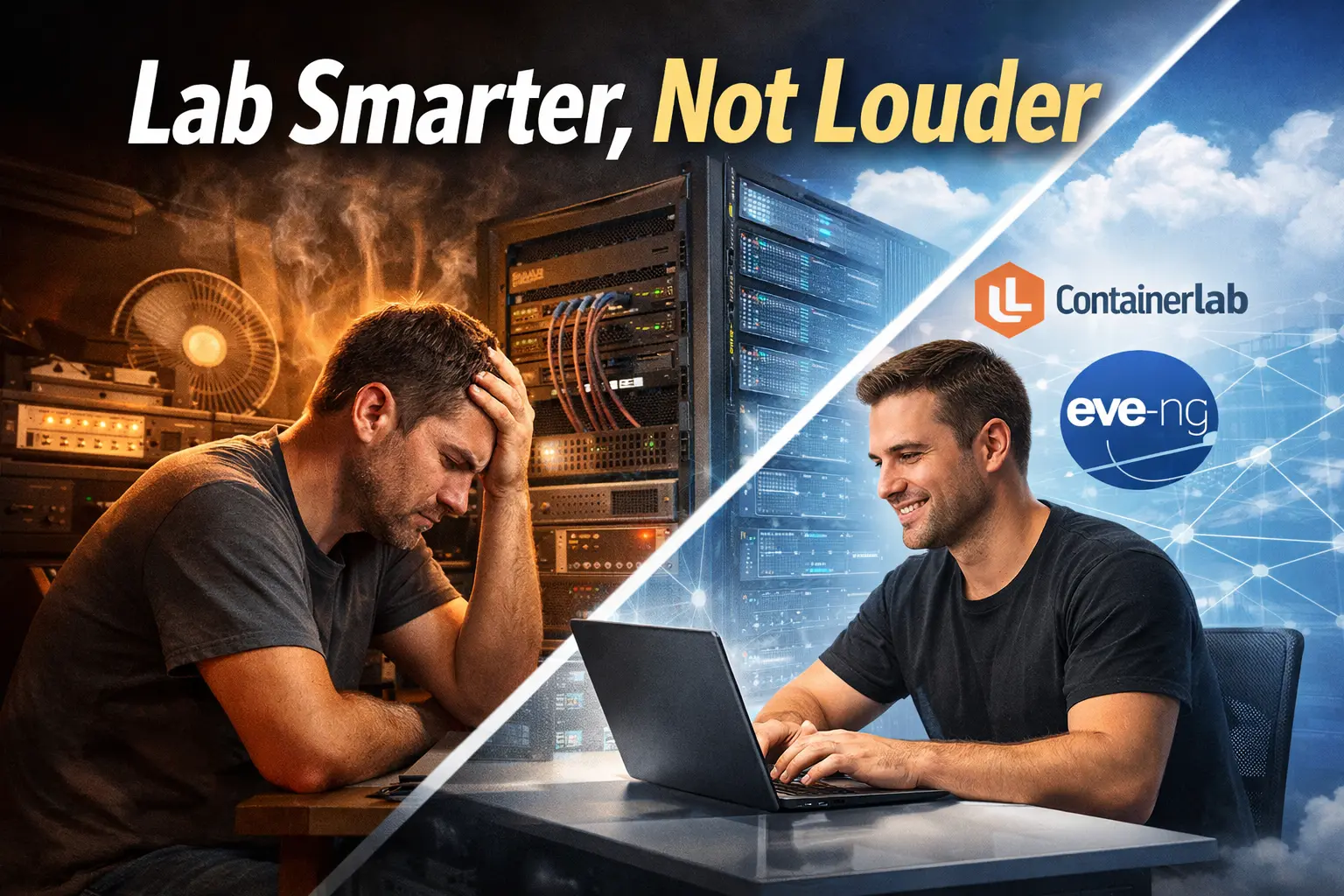
Building a Budget-Friendly Lab VPS Platform
Part 1 – The Idea
If you’ve spent any amount of time labbing network automation, BGP, EVPN, or modern routing stacks, you’ve probably run into the same problem I did:
Good lab environments are either underpowered or wildly overpriced.
On one end of the spectrum, you have cloud VPS providers that technically give you a KVM — but the moment you try to run something realistic (multiple routers, containerlab topologies, or EVE-NG), you hit CPU contention, memory limits, or nested virtualization walls. Even when nested virtualization is supported, the cost of running larger topologies over time adds up quickly.
On the other end, the only real alternative is to run everything yourself on bare metal. That gives you control and performance, but it also means significant upfront cost, ongoing power and cooling, hardware maintenance, and the reality of running noisy servers at home. For a lot of people, that tradeoff simply isn’t practical — even if they want the capability.
What was missing was a practical middle ground.
I built a KVM-based lab platform specifically for people who need to run real labs — Containerlab, EVE-NG Community Edition, larger topologies — without paying hyperscaler pricing and without having to buy, power, cool, and maintain their own servers. The idea is simple: provide lab environments that behave like proper bare-metal KVMs, but with pricing and convenience that make sense for long-lived lab work.
This way, labbers don’t have to:
- Shut down labs just to control cloud costs
- Fight with underpowered VPS instances
- Invest thousands upfront in hardware they may outgrow
- Deal with the noise, heat, and space requirements of home servers They can focus on building, breaking, and rebuilding labs — which is the whole point.
The Problem with Existing Lab VPS Options
Most VPS offerings are optimized for:
- Web workloads
- Bursty compute
- Shared oversubscription
That’s fine — unless you’re trying to:
- Run multiple virtual routers
- Spin up containerlab topologies
- Simulate realistic routing behavior
- Keep labs running long enough to actually build something meaningful
For labbers, the pain usually shows up in one of two ways:
- The provider doesn’t support what you need Nested virtualization is often blocked or unreliable, and performance can be inconsistent because you’re competing with noisy neighbors.
- It supports it… but the pricing assumes enterprise usage Once you find a VPS/KVM that can actually run EVE-NG or larger topologies, you’re paying a premium just to keep it online — and labs aren’t short-lived. You might want a topology up for a weekend, a week, or a month while you iterate, break things, rebuild, and learn.
For a learning environment, that model doesn’t match how people actually lab.
Why I Didn’t Just Tell Everyone to Run Bare Metal
The obvious answer is “run it at home.” And to be clear — bare metal is fantastic if you have the budget and the environment for it.
But for a lot of people, bare metal is a non-starter:
- Upfront hardware cost (even used enterprise gear adds up fast)
- Power and cooling costs
- Noise (servers don’t care that it’s 1AM)
- Space, maintenance, and parts failures
- Remote access that isn’t a pain
- Rebuilding and growing the lab over time
So people get stuck choosing between:
- Cloud convenience with cloud pricing, or
- Bare metal control with bare metal headaches
That gap is exactly what I built this platform to fill.
The Core Idea
The idea was simple: Give labbers real KVM performance and lab-friendly pricing — without forcing them into hyperscaler bills or home server ownership. So I built a platform that runs on:
- Proxmox for KVM and VM lifecycle management
- Dedicated hardware so performance is predictable
- Containerlab and EVE-NG Community Edition as first-class workloads
- Stripe for clean billing and subscriptions
- Cloudflare tunnels so users don’t need public IPs or weird firewall gymnastics
This isn’t about competing with AWS or building a general-purpose cloud.
It’s about providing a practical lab environment that’s:
- powerful enough to run real topologies
- priced so you can leave labs running
- flexible enough to tear down and rebuild constantly That’s how labbing works in real life.
What This Platform Is (and Isn’t)
This is not:
- A general-purpose cloud provider
- A shared shell box
- A marketplace full of random VM images
- A “cheap VPS” that falls over as soon as you do anything interesting
This is:
- A purpose-built lab VPS platform
- Designed specifically for networking and automation
- Optimized for sustained CPU/RAM usage and long-lived labs
- Built to support iterative workflows (build → break → rebuild)
You pick what you want to lab with:
- A Containerlab VM for topology automation and config-driven labs or
- An EVE-NG CE VM for more classic multi-node network simulation with a GUI
And you get a KVM that behaves the way a lab environment should — without needing to buy and operate the hardware yourself.
Why I’m Writing This Series
I’m writing this series for a few reasons:
Transparency There’s a lot of vague talk about “lab hosting,” but not many end-to-end breakdowns of what it actually takes to build something that works — and why the economics are the way they are.
Repeatability Everything in this series comes from a real working platform — not a conceptual diagram that ignores the messy parts.
Education If you’re building lab environments (for yourself, a team, or a community), the design patterns here apply: VM lifecycle, access, billing, security boundaries, and the realities of automation.
Practicality This is ultimately about making labs accessible: giving people a place to practice certs, test automation, and run realistic topologies without getting crushed by cloud costs or forced into running loud servers at home.
This series will walk through the system from idea → architecture → implementation — including what broke, what I learned, and what I’m changing next.
What’s Next
In Part 2, I’ll break down the full architecture:
- How Proxmox fits in and why it’s the right foundation for this
- How VMs are created, resized, started, and destroyed
- Where Stripe, MongoDB, and Cloudflare sit in the stack
- The boundaries that matter: security, tenancy, and operational safety
- What decisions were intentional — and what tradeoffs were unavoidable